CRM: Margin Insight for Opportunities and Sales Quotes
Starting in MYOB Acumatica 2026.1.1, you can see estimated margins for opportunities and sales quotes. This gives you immediate insight into deal profitability, helping you evaluate discounts during negotiations and assess potential margins earlier in the sales process.
Working with the Estimated Margin
Now when you work with an opportunity or sales quote, you can see the estimated deal margin at a glance. On the Opportunities (CR304000) and Sales Quotes (CR304500) forms, the estimated margin amount and percentage are calculated for each line on the Details tab. In the Summary area, the total margin values are shown.
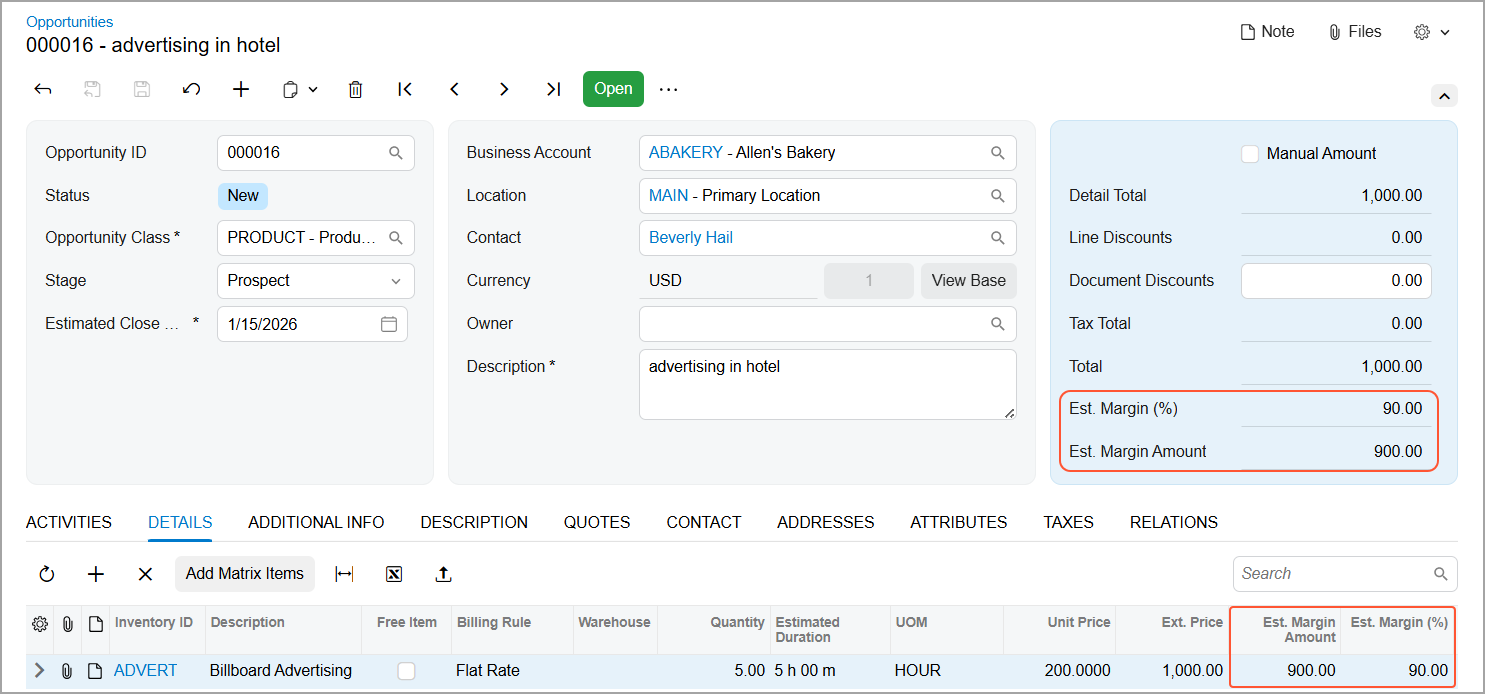
The system calculates the estimated margin for each line based on the sales amount (without any inclusive taxes) and the cost by using the following formulas:
- Est. Margin Amount:
Amount - Ext. Cost - Est. Margin (%):
Est. Margin
              Amount / Amount * 100
In the Summary area, the Est. Margin Amount and Est. Margin (%) boxes are hidden if the Manual Amount check box is selected.
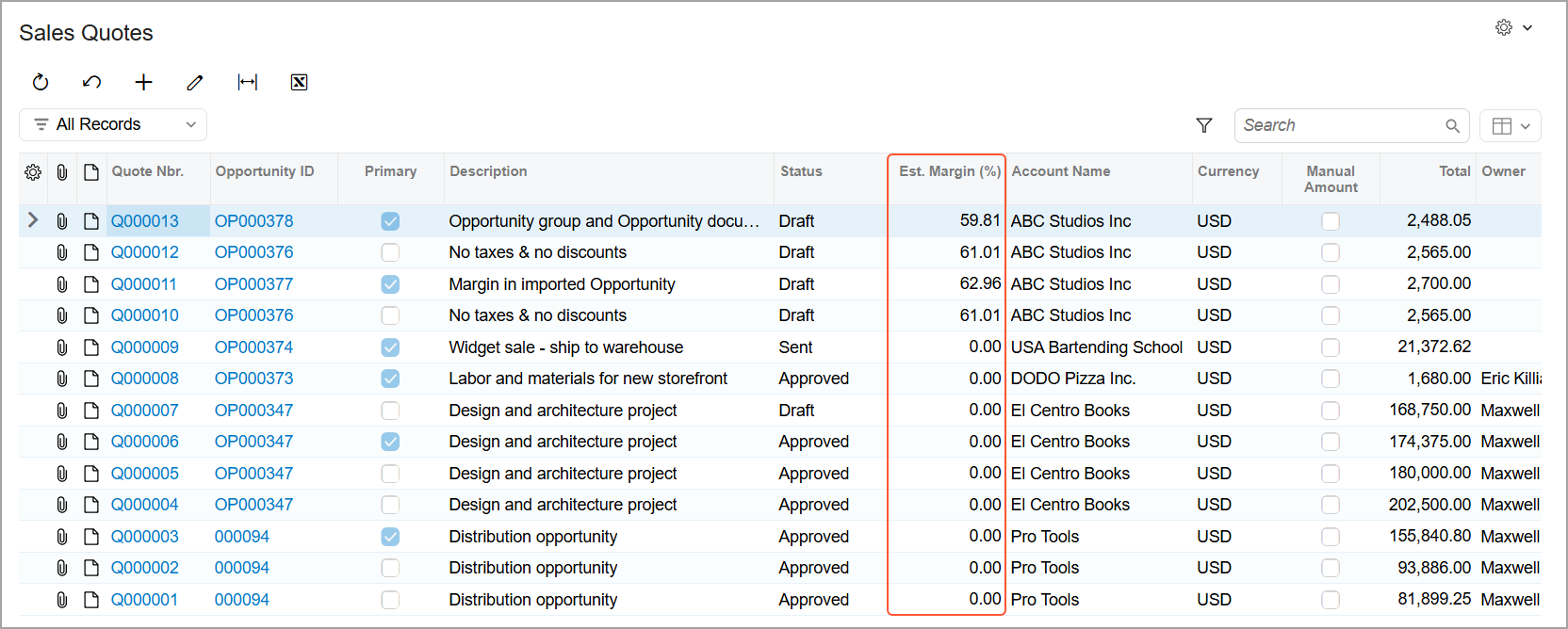
You can also quickly review margin percentages for opportunities or sales quotes by checking the Est. Margin (%) column in the Opportunities (CR3040PL) or Sales Quotes (CR3045PL) lists of records.