
Platform: Improved Sign-in Experience
We've streamlined the sign-in experience in a lot of ways, including more transparent feature names and more options for controlling how users sign in.
Apart from new settings and user interface changes, we've also made some changes behind the scenes so that users don't end up in confusing situations. For example, previously you could end up on a page to sign up for a two-factor authentication (2FA) account when you already had one. Now, you're taken to sign in instead.
For more details, see Two-Factor Authentication (2FA) with MYOB ID.
Secure Authentication is Now Called MYOB ID
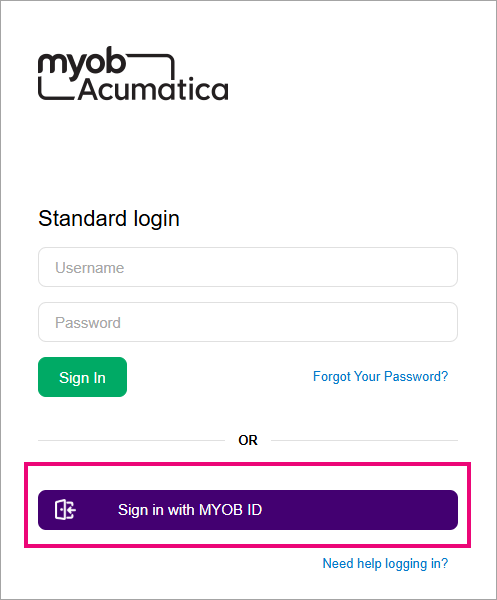
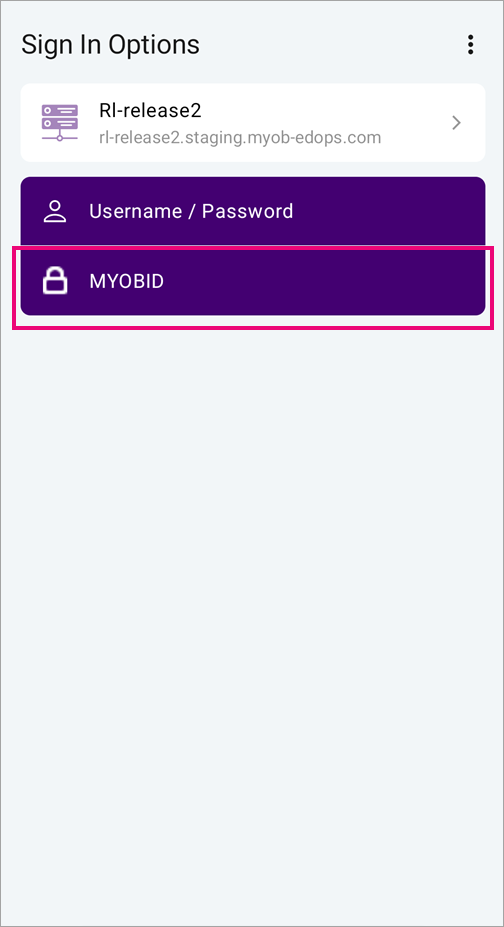
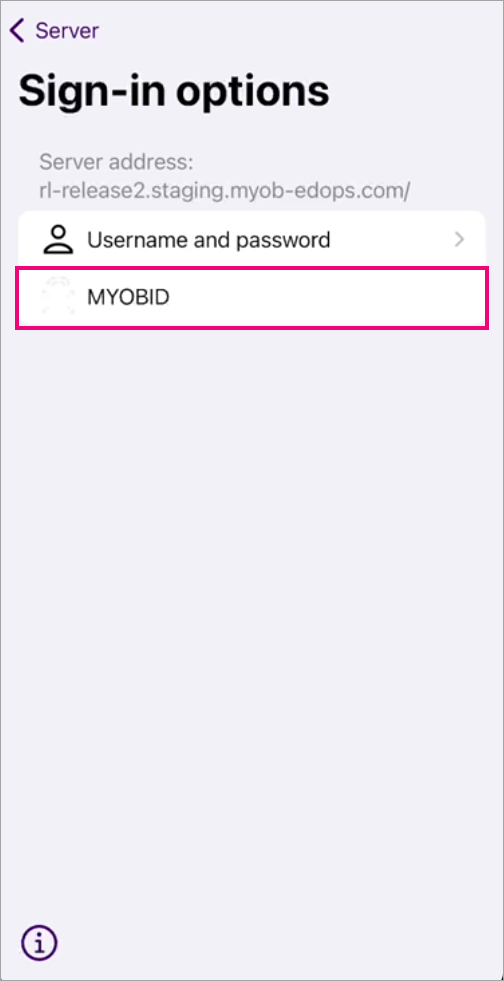
On the sign-in screen, the purple Secure Authentication button is now labelled Sign in with MYOB ID.
New Way to Enforce 2FA
Previously, the Enforce Secure Authentication option on the Security Preferences form (SM.20.10.60) forced all users of a site to sign in with 2FA. We've removed this option.
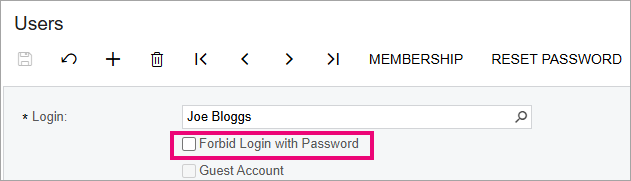
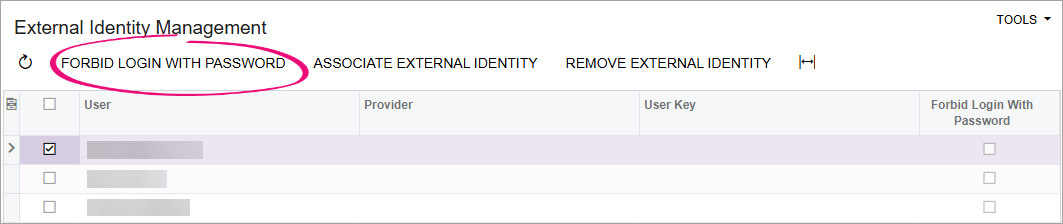
Now, you can force users to sign in with 2FA by using the Forbid Login With Password option, which is available in two places:
- The Users form (SM.20.10.10)
lets you forbid login with password for one user at a time. The option is only
available if you have the Administrator role with the Full User
licence type.
- The External Identity
Managment form (MY.SM.20.65) lets you forbid login with password for
multiple users at a time. The option is available if you have the External
Identity Manager role to access the form, as well as the
Administrator role with the Full User licence type.
User Types Exempt from Forbid Login With Password
We've added four user types to keep the sign-in experience smooth for people using the more technical features of MYOB Acumatica, like the API. If a user is assigned one of these user types, you can't select Forbid Login With Password for them:
- API
- Report Designer
- Device Hub
- OData.