
MYOB Acumatica Integration with Gmail: Email Activity Creation
When you receive an email in Gmail, you can save it as an email activity in MYOB Acumatica and link it to a record, such as a contact or lead, by using the Acumatica for Gmail add-in.
Creating an Email Activity
To create an email activity from an open email message, do the following:
- On the Actions page, in the section for the relevant entity (for
example, Lead Information), click Log
Activity.
Figure 1. The Log Activity button 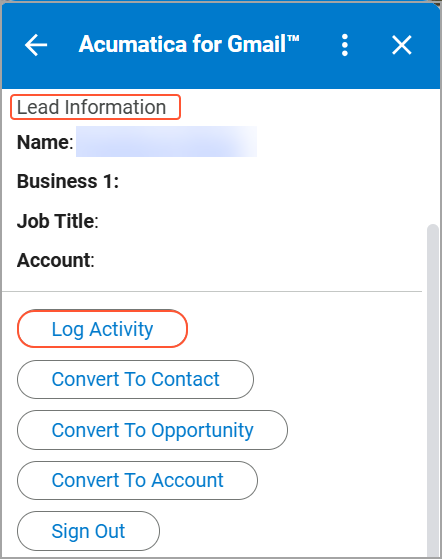
- In the Entity box on the Log Activity page, select an entity (for example, Lead).
- Review the Entity Type and Entity values,
and make changes if needed.
Figure 2. The Log Activity page 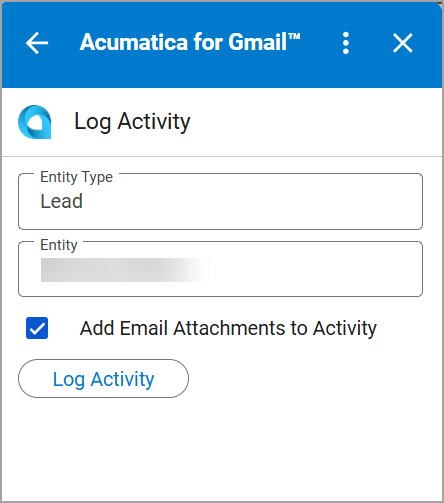
- Click Log Activity.
The email activity is created and added to the Activities tab of the entity's data entry form.
If you select the Add Email Attachments to Activity check box on the Log Activity page, the system adds the email attachments to the email activity, so you can access them later from the activity record.