
Processing International Payments
MYOB Acumatica supports the following payment processing scenarios:
- A bill created in USD and paid in USD
- A bill created in USD and paid in a foreign currency
When you process international payments, the system won't perform currency conversion, rounding operations, or RGOL calculation. All these operations will be performed by BILL.
For details on setting up BILL integration, see Setup of Integration with BILL.
Example
Suppose that a bill in the amount of USD 1200 has been entered in the system for a Canadian vendor. Because your company is based in the US, you will pay this bill in USD, but the vendor will receive the payment in CAD. BILL will convert the amount by using the valid exchange rate valid at the time of the conversion.
Below you can see the vendor’s payment, which was created in BILL.
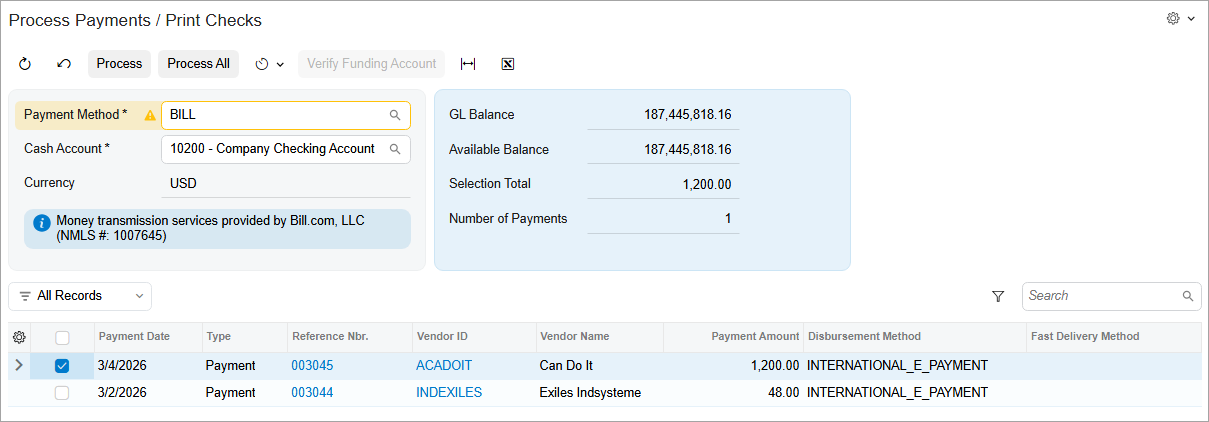
Once you click Process on the form toolbar, the system displays the widget shown below.
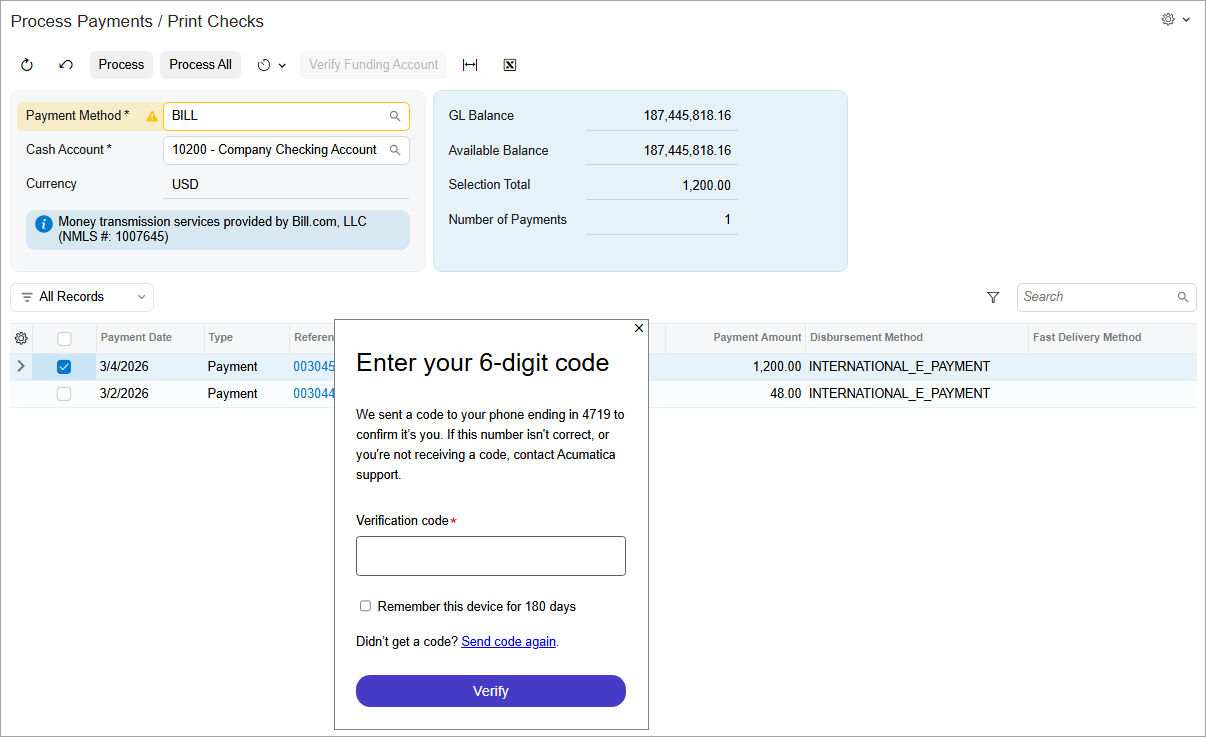
When you enter the code and click Verify, the payment retains its Pending Processing status.
When the payment has been processed in BILL, its status changes to Processed.