- Contents
- Index
- Search

Show results that include all search words
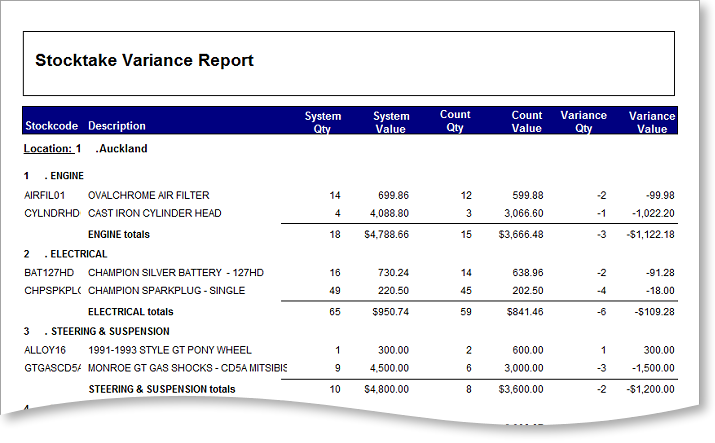
Print Variance Report
After you have entered and/or imported quantities, print the variance reports.
Highlight the location and click the Print Variance Report button.
After printing, check the count figures and amend the quantities. If you're amending counted figures, reprint the variance report and re-check it.