Financial Reporting - Published Report
Select Reports > General Ledger > Financial Reporting Published.
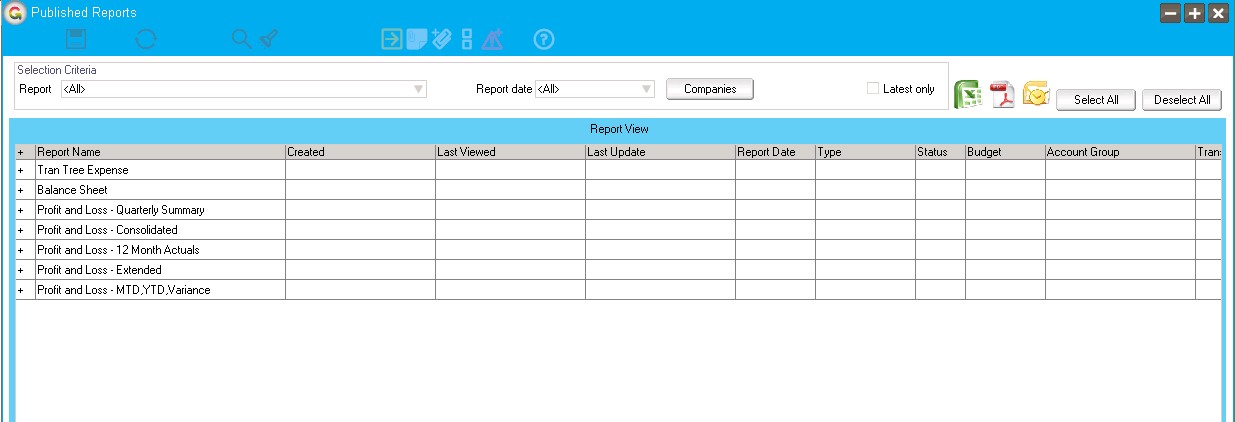
When you select the menu option the available published reports are grouped by report name.
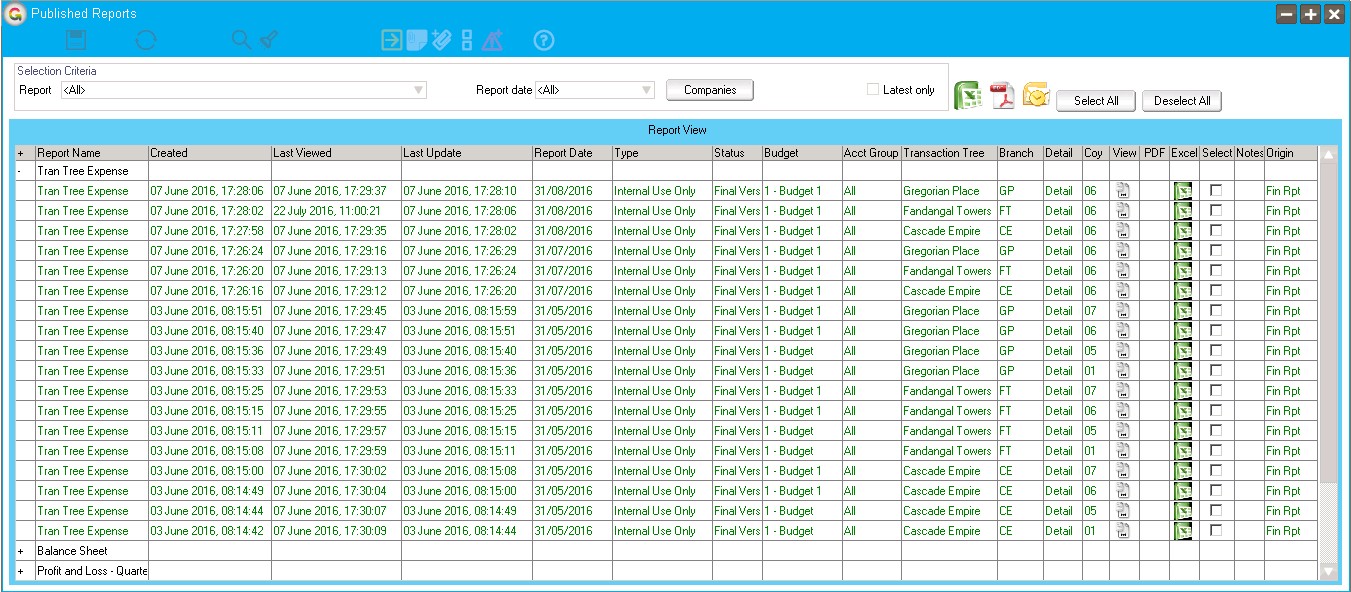
Click the + beside any report to see all the versions of the report.
- Report - Click the dropdown and select to see only the versions of a specific report.
- Report Date - Click the dropdown to select a date and only reports as at that date displays.
- Companies - Click the button to get a list of all companies the user has access to. They can then choose to see reports from any /all of the companies not just the current.
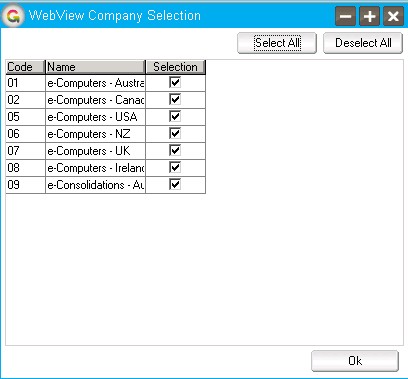
Latest only - If you select this option then only the latest version for each date and security combination displays.
Select a single report and view it using the View icon on the row, or view it in Excel or as a PDF file by clicking the icon for the row.
You can view multiple reports in Excel, PDF, or email by selecting in the select column for the rows to view, then clicking the icon to the left of the Select All button.
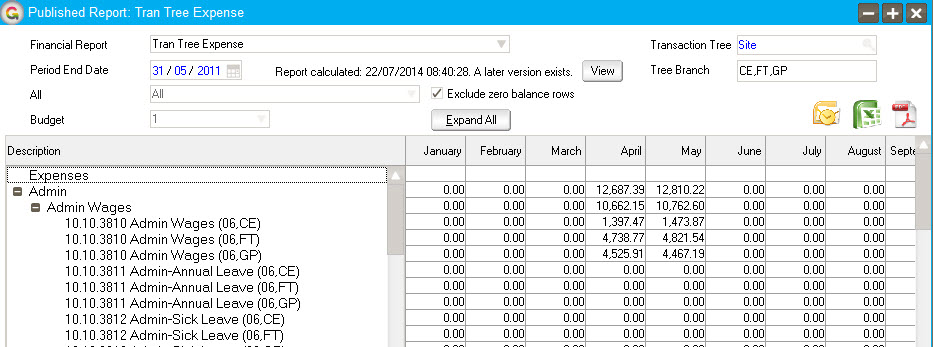
Click Expand All, Collapse All.