- Contents
- Index
- Search

Display results with all search words
Error Checking
If your report does not run and you are unsure why, you can run a check for errors by selecting it in the Report Customisation list (accessible using the System/Customisation/Report menu), right-clicking, and selecting Check. The check function will then check the report and output the results, for example:
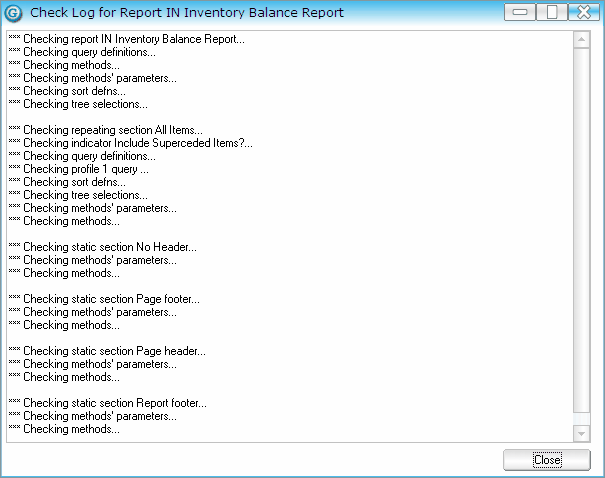
In this example, there are no errors as each line is prefixed with ***. If a line appears on the report that is not prefixed with ***, this indicates there is an error. The text associated with the error will be adequate to describe the nature of the error.