- Contents
- Index
- Search

Show results that include all search words
Running Scheduled Price Updates
Once you have set up your scheduled price changes, use the Run Updates button to action any scheduled price changes with a status of Active. Scheduled Price Updates will not run automatically when the Change Date occurs.
-
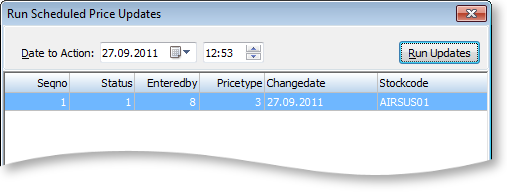
In the Price Change Scheduler window, click the Run Updates button. The Run Scheduled Price Updates window is displayed:
-
The Date to Action field defaults to the current time and date.
-
Click the Run Updates button to run the scheduled price update.