- Contents
- Index
- Search

Show results that include all search words
Step Five - Post to Head Office
Click on Step Five of the Remote Pay Cycle. This window will appear:
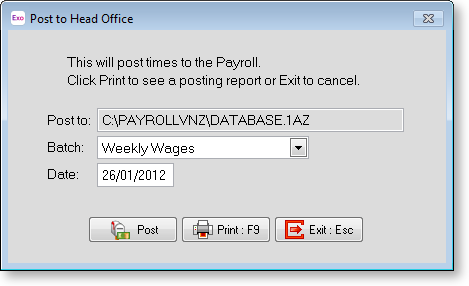
Click on the Batch list box to select a batch to post. The frequency and the pay period end date should be the same as the current pay at Head Office.
Once your selection is made click the Post button.
Your pay file will now be ready for importing at Remote Head Office.