- Contents
- Index
- Search

Show results that include all search words
About Screen
The About screen displays information about the applications installed, MYOB contacts, and licence information.
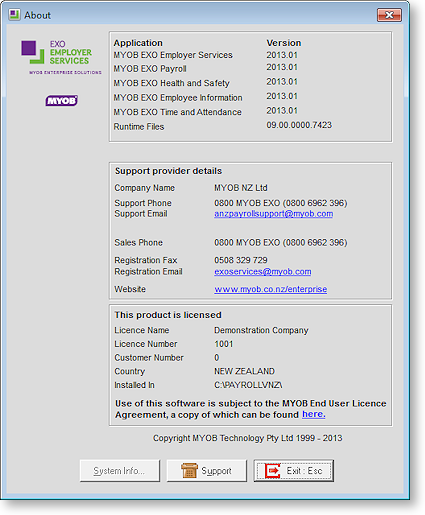
NOTE: The screenshot above is provided for illustrative purposes only - to verify that the version numbers you see on the About screen are the correct numbers, see the most recent Release Notes document. This document can be viewed by selecting What's New in this Release from the Help menu.
If a Support Person or other MYOB representative needs to know the current version number, then check it in this screen - the quickest way to access it is to press the F11 key on your keyboard (this works from almost anywhere in the software). You can also access it by selecting About from the Help menu.
The Support button can be used if you have had an error and want to send a Support Report to MYOB. (This is can also be accessed from the Login Screen.)
This screen contains support information such as the current version, install location and licence holder. Press F11 at any time to view the About screen independently of the menu.